Images: Midjourney, GPT Image, Seedream and Nano Banana
For images, I use Midjourney, GPT Image 2, GPT Image 2.5, Seedream 5.0 Pro and different versions of Nano Banana. Nano Banana is not one universal version: to reproduce someone’s result, establish which model they selected. GPT Image 2.5 also names a family with Flare and Sunburst variants.
A model name does not tell you whether a frame is ready for video. Before animating it, check the face, hands, silhouette, objects and background. An accidental detail in the source image can become more noticeable once it moves.
- Midjourney.
- GPT Image 2 and GPT Image 2.5.
- Seedream 5.0 Pro.
- Nano Banana — different versions.
Video: Wan 3.0 Prime, Kling 4 and Seedance
My video tools include Wan 3.0 Prime, Kling 4, Seedance 2 and Seedance 2.5. I do not consider any one model the best for everything. A quiet close-up, fast action and a scene with several characters are different tasks, even when the clips have the same runtime.
Compare more than an attractive still. Watch the entire clip: does the face remain consistent, does an object change, is the action readable, and does the camera move unnecessarily? A commission needs footage that works in an edit, not just a model name in its description.
- Wan 3.0 Prime.
- Kling 4.
- Seedance 2 and Seedance 2.5.
Test a tool on your own scene
A practice task, not a breakdown of one of my films: a character slowly turns towards the camera in close-up. Prepare one reference frame and decide what must stay consistent: face, clothing, light and background. Specify one action. If the selected mode accepts a reference image, use the same source for comparison.
Do not change the model, reference and entire prompt at once: you will not know what caused a difference. Record the version, mode, settings and scene description, then compare motion and detail preservation. A missing mode is also a useful finding, not a reason to promise identical behaviour across systems.
Tools, portfolio work and lessons are different things
This list describes what I use now. It does not mean every published film used every model listed. The work below illustrates my visual approach; the tools for a particular production need a separate breakdown.
AI Creators links to my learning platforms: Lava Top for English-language materials and Boosty for Russian-language materials. The format is individual lesson purchases, not a subscription. Check the specific lesson’s contents, versions and required services before buying. A tool appearing here does not mean a lesson about it has already been published.
Work and context
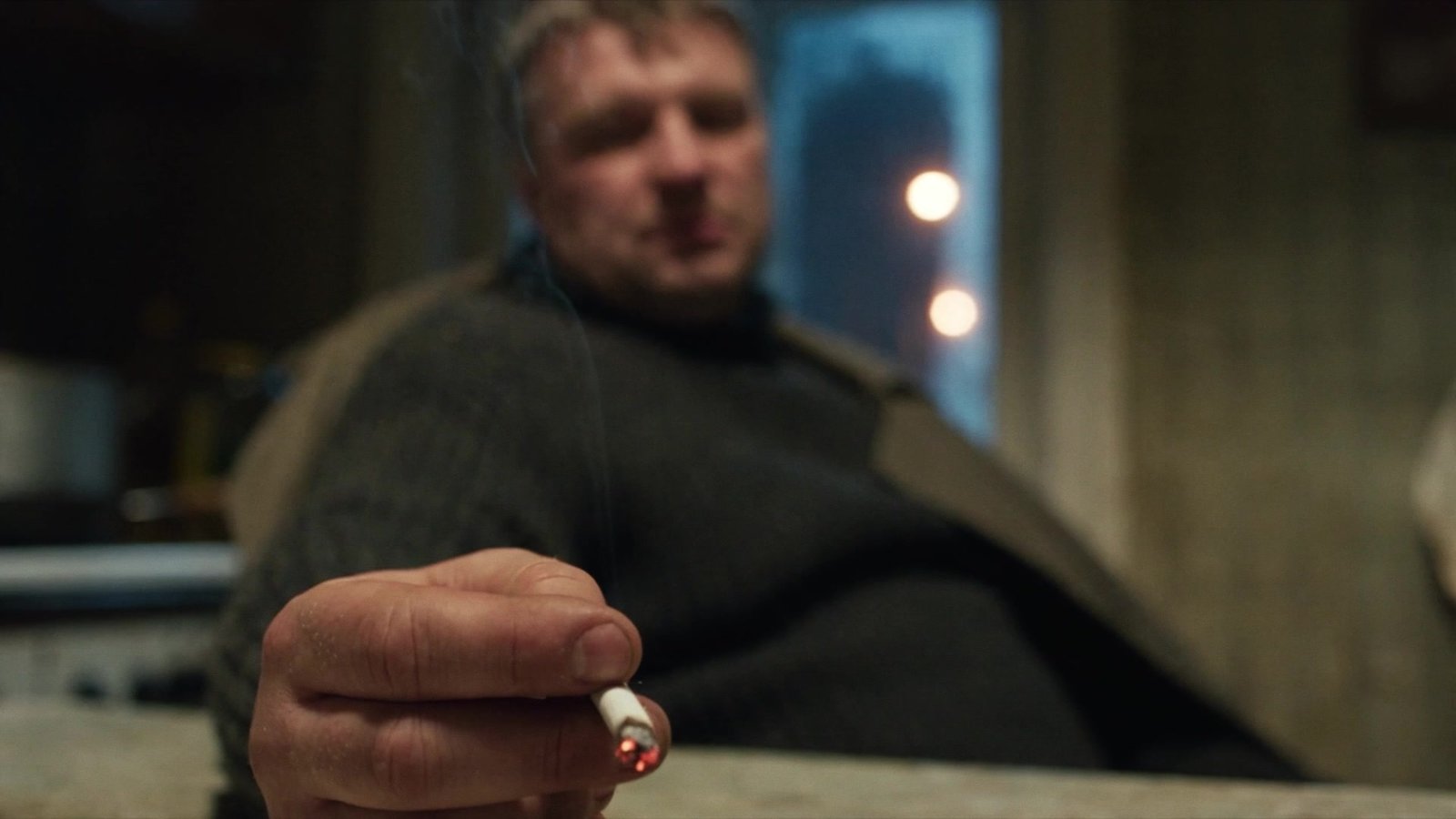
Russian Toska ↗
A short film reflecting on the feeling known as Russian toska.
Personal project · Direction · screenplay · writing · AI generation · voice and sound · editing
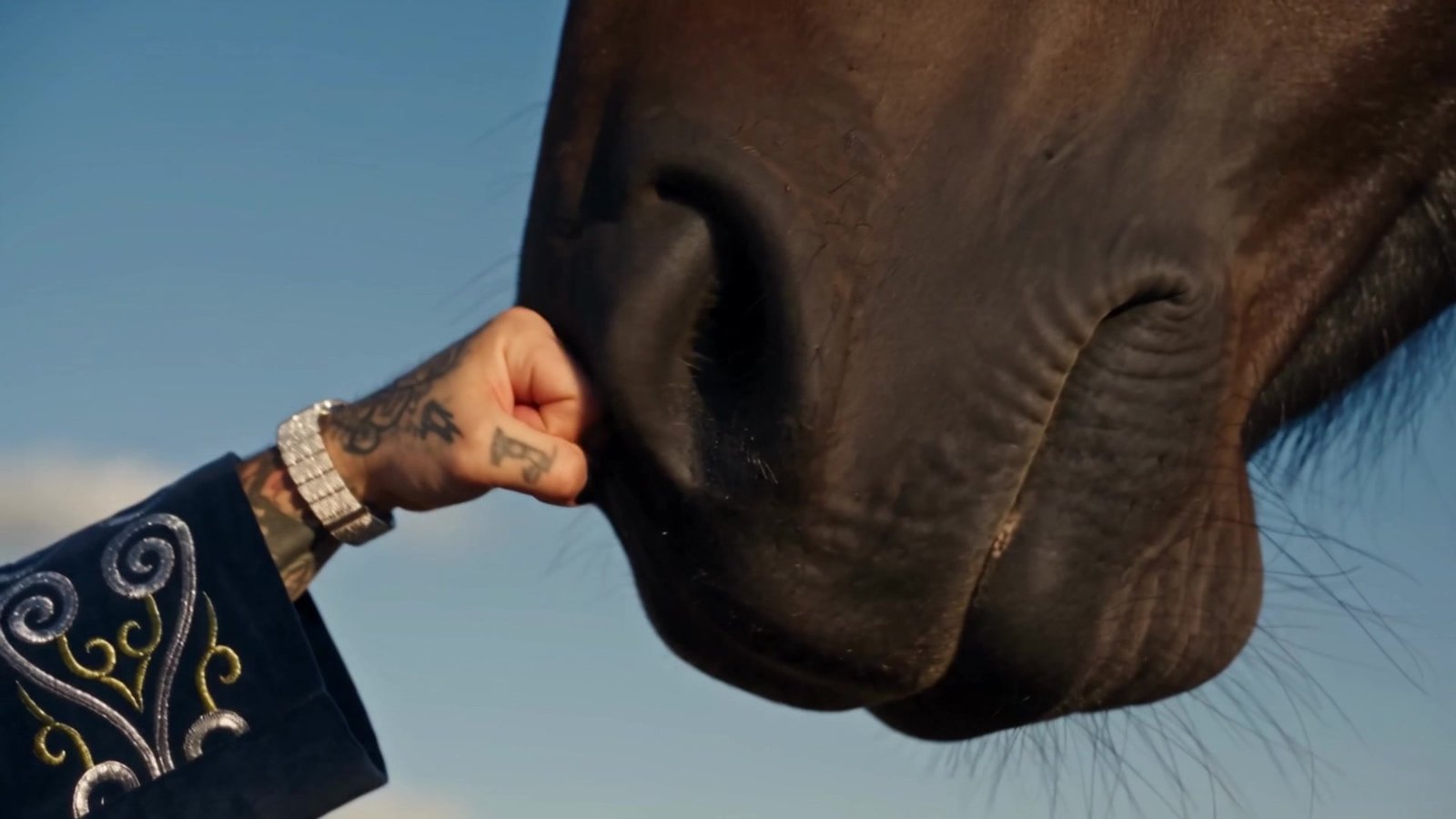
Gunwest — Qalai Bauyrym ↗
The self-initiated music video that led to a collaboration with Gunwest.
Self-initiated project · Concept · artist’s visual identity · AI generation · editing
Questions and answers
Which AI video models does MRNSK use?
My current set includes Wan 3.0 Prime, Kling 4, Seedance 2 and Seedance 2.5. The tools used for an individual project may differ.
Do I need to pay for every tool to start learning?
No. Start with a particular task. For a paid lesson, check its description and required services; the author’s overall tool list is not a mandatory shopping list.
Is MRNSK the same person as Marian Fotev?
Yes. MRNSK is my creative alias; my name in Russian is Мариян Фотев. This website brings together my portfolio and materials for AI creators.
Sources and verification
- Midjourney — version documentation ↗
- OpenAI — GPT Image 2 ↗
- OpenAI — image prompting and the GPT Image 2.5 family ↗
- ByteDance Seed — Seedream 5.0 Pro ↗
- Google — the Nano Banana family ↗
- Alibaba Cloud — Wan 3.0 Prime ↗
- Kling AI — official guides ↗
- ByteDance Seed — Seedance 2.0 ↗
- ByteDance Seed — Seedance 2.5 ↗
A guide from MRNSK: practical project planning, not a promise of a specific generation result.